Summary
The redesigned company listings are live. It’s a change that reaches every listing page: how IT companies present themselves, and how buyers compare providers before opening a profile.
Finding the right IT company takes more than comparing reviews and portfolios. A provider may have the right experience but fall outside your budget, or offer the right services with a team too small for your project. For IT companies, the challenge is visibility, since a directory profile only helps when potential clients see it.
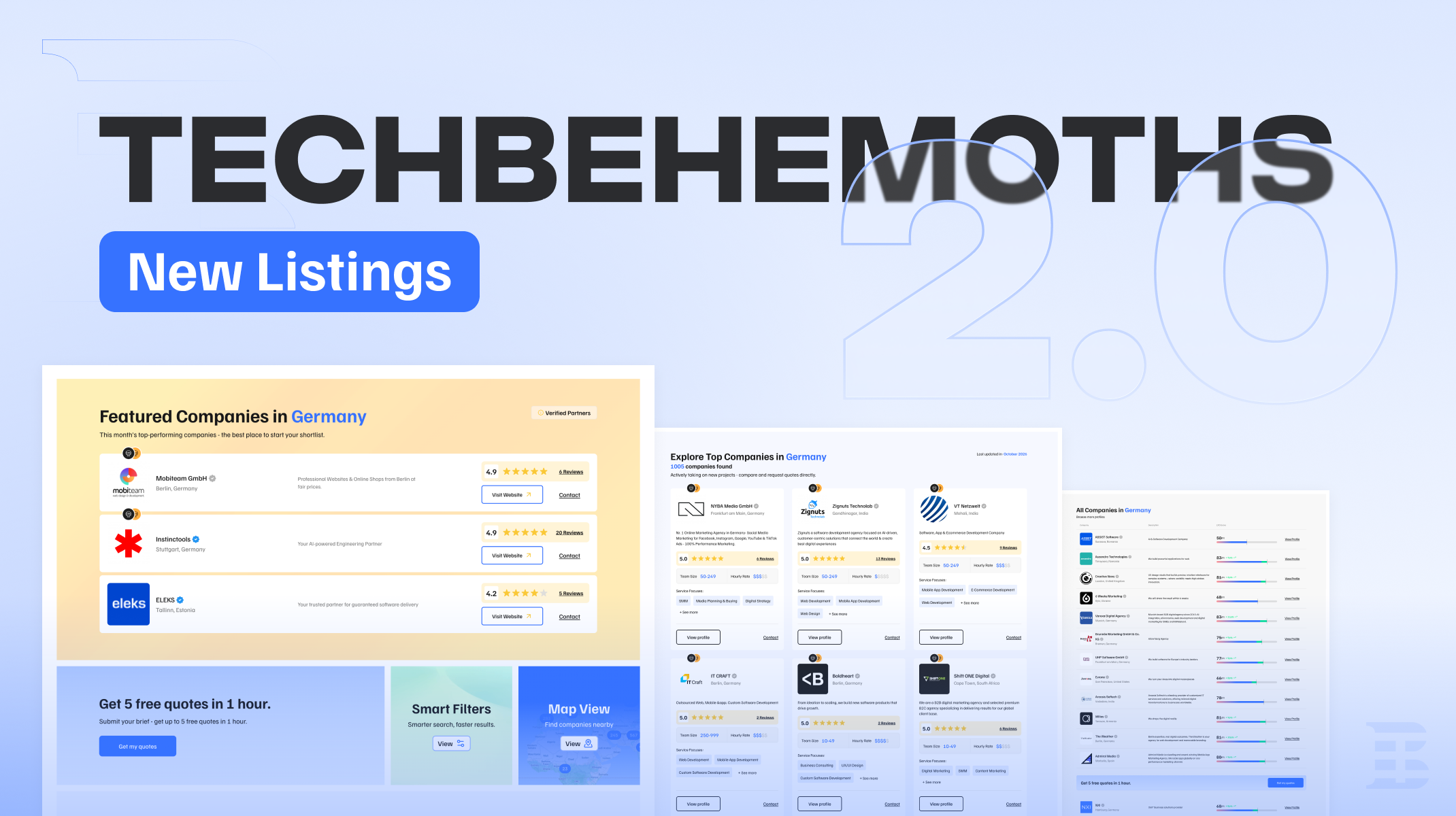
The redesigned company listings on TechBehemoths address both sides. Clients see more about each company before opening a profile, CORE and PRO members get dedicated ways to stand out, and free profiles stay in the general directory. The redesign applies across all listings, from the worldwide view to pages by service, country, city, or a combination of these.
A New Way of Presenting Companies
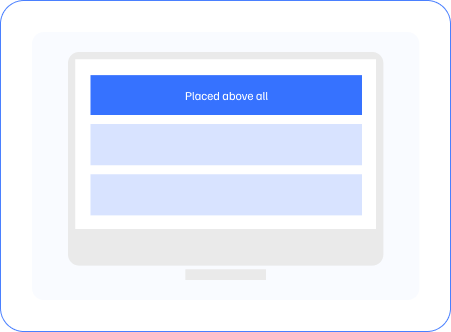
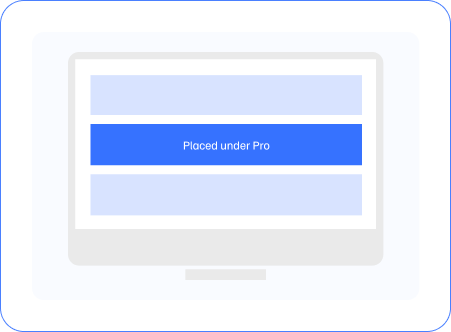
On any listing page, the layout works as a path that visitors follow from top to bottom. PRO members take the Featured Companies spots at the very top, and right below them sits the search widget with Submit Project, Smart Filters, and Map View. CORE members come after it in detailed company cards, while Free companies close the page in a one-line list that carries over to the pages that follow.
The diagrams below show where each format appears.

Positions rotate within each section, so every company in it has the same chance of appearing first.
Featured Companies
Dedicated Space for PRO Members
Featured Companies is the first section visitors see on a listing page. It presents providers in a highlighted format, with company descriptions, locations, customer ratings, reviews, and direct buttons to visit their websites or get in touch. Visitors can review this information without opening a separate profile.
For PRO members, Featured means a highlighted card at the top of the listing, with company details and contact options in front of visitors before any other results.

Featured Companies keeps its place at the top of the page and now works together with the other company formats and search tools in the redesign.
Top IT Companies
Detailed Listings for CORE Members
When clients compare providers, they usually want answers to a few practical questions. What does the company specialize in? How large is the team? What are its rates? What do previous clients say?
The Explore Top IT Companies section puts those details directly into the listing. CORE members are presented in detailed cards showing their descriptions, main services, customer ratings and reviews, team sizes, and hourly rate ranges, with links to the full profile and to contact the company.

Clients gain the information they need before they click through. They can compare several providers on the same page and decide which ones deserve a closer look. For CORE companies, that means their services and business details are visible during the search itself, with room to show what they offer.
All IT Companies
Dedicated Placement for Free Companies
The general directory follows the detailed listings and includes companies with free profiles.
Providers appear in a compact format with their name, location, short description, EXO Score, and a link to the full profile. Clients can browse the directory, open profiles, and discover providers they haven’t met in the Featured or detailed sections.

Free profiles give every company a place on the platform, reachable through the same search, filters, and map as the rest. Membership levels shape how a company is presented and positioned: CORE adds a detailed format, and PRO adds prominent Featured placements across relevant listing pages. The EXO Score follows the same rules for every company, so quality is assessed through profile information and reviews, whatever the membership.
A prompt to submit a project brief also appears alongside the directory, giving visitors another way to share their requirements and connect with potential IT partners.

Multiple Ways to Find an IT Company
Not every client starts with a shortlist. Some know exactly what they need and want to hear from providers. Others prefer to compare companies themselves or begin with a specific location.
The listings bring multiple ways to browse or search companies:
Unified search (from home page)
Top menu - access by location, service, etc.
By specific service - https://techbehemoths.com/services
Submit Project: Describe a project once and receive up to five free quotes within an hour from relevant IT companies, without contacting each provider separately.
Smart Filters: Narrow the results by services, location, team size, hourly rates, reviews, awards, verification status, and other criteria.
Map View: Explore providers geographically, including companies in a particular country, city, or nearby area.
These options are available throughout the browsing experience, so visitors can change how they search at any point without returning to the top of the page.
They also give companies several ways to be discovered. A provider may match a client’s preferred location, specialize in the service being searched for, or fit the budget and team size selected in the filters. Verified companies appear on the map by default, and the verified badge is free. Accurate profile information helps in every one of these searches, since the details in a profile determine which searches a provider appears in.

What the New Listings Mean for Your Company
The redesigned pages put more company information in front of potential clients before they open a full profile. How much appears directly in the results, and where, depends on the membership level.
How you appear | PRO | CORE | Free |
Position on the page |
|
|
|
Section | Featured Companies, at the top of the listing | Explore Top IT Companies, below the search widget | All IT Companies, the general directory at the end of the page |
Card format | Highlighted card | Detailed card | Compact entry |
Details shown in the listing | Description, location, ratings and reviews | Description, main services, ratings and reviews, team size, hourly rates | Name, location, short description, EXO Score |
Contact options | Website and contact buttons | Contact link and profile link | Link to the full profile |

Important note: Positions rotate within each section, so every company in it has the same chance of appearing first. Free profiles can also be found through search, Smart Filters and Map View. To see what each membership includes, visit our pricing page.
Reviews, EXO Score, and Profile Information
Customer reviews and EXO Scores are among the details visitors use to assess providers while browsing. Reviews show feedback from previous clients, including those brought in from platforms such as Google, Trustpilot, and Clutch.
The EXO Score reflects the completeness and credibility of the information and supporting evidence in a company’s profile. It follows the same rules for every company and cannot be purchased, and upgrading to CORE or PRO does not directly or automatically raise it. It also plays a role in how companies are filtered, sorted, and ranked, regardless of membership.
For a more detailed explanation, see how EXO Score and ranking work.
It’s worth checking whether your profile reflects your business today. If your team has grown, your services have expanded, or your pricing has changed, updating those details helps the right clients find you and understand what you offer.
A well-maintained profile pays off in every listing format. The listing type helps a company get noticed, and the information in the profile gives clients a reason to make contact.
Explore the New Company Listings
The redesigned listings are live across TechBehemoths. You can use them to find a provider for your next project, or to see how your own company appears to potential clients.
Ready to find your next IT partner with TechBehemoths 2.0?